Yes! We do take on custom projects if time allows us. Head over to our Custom Work page to learn more and request a quote.
-
Login


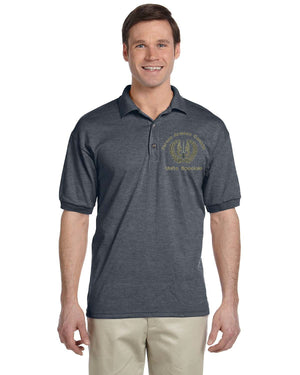


SKU: G880
Build your own custom embroidered shirt in real time using our online designer. Add your own logo, army crest, text, image, or anything else you can dream up (we have a huge database of stock designs to choose from).

Jersey Polo 50/50 Blend
Opening the design studio
Loading canvas, fonts and artwork…
Almost there
Added to your cart
Taking you to your cart…
Something went wrong

Don't miss out on our next giveaway or promotion! Sign up for our mailing list to receive new product alerts, special offers, and coupon codes.
